
Appearance
Syncing data models from Git
TIP
Make sure you first read the intro to Managing the data model
Most data teams choose to manage their Supersimple data models through Git, and usually GitHub specifically.
The recommended workflow is to have your main branch sync your model YAML files directly to Supersimple.
For this, we have a handy GitHub Action that you can use, that uses the Supersimple CLI to sync the configuration over to the chosen account on Supersimple.
Setting up environment
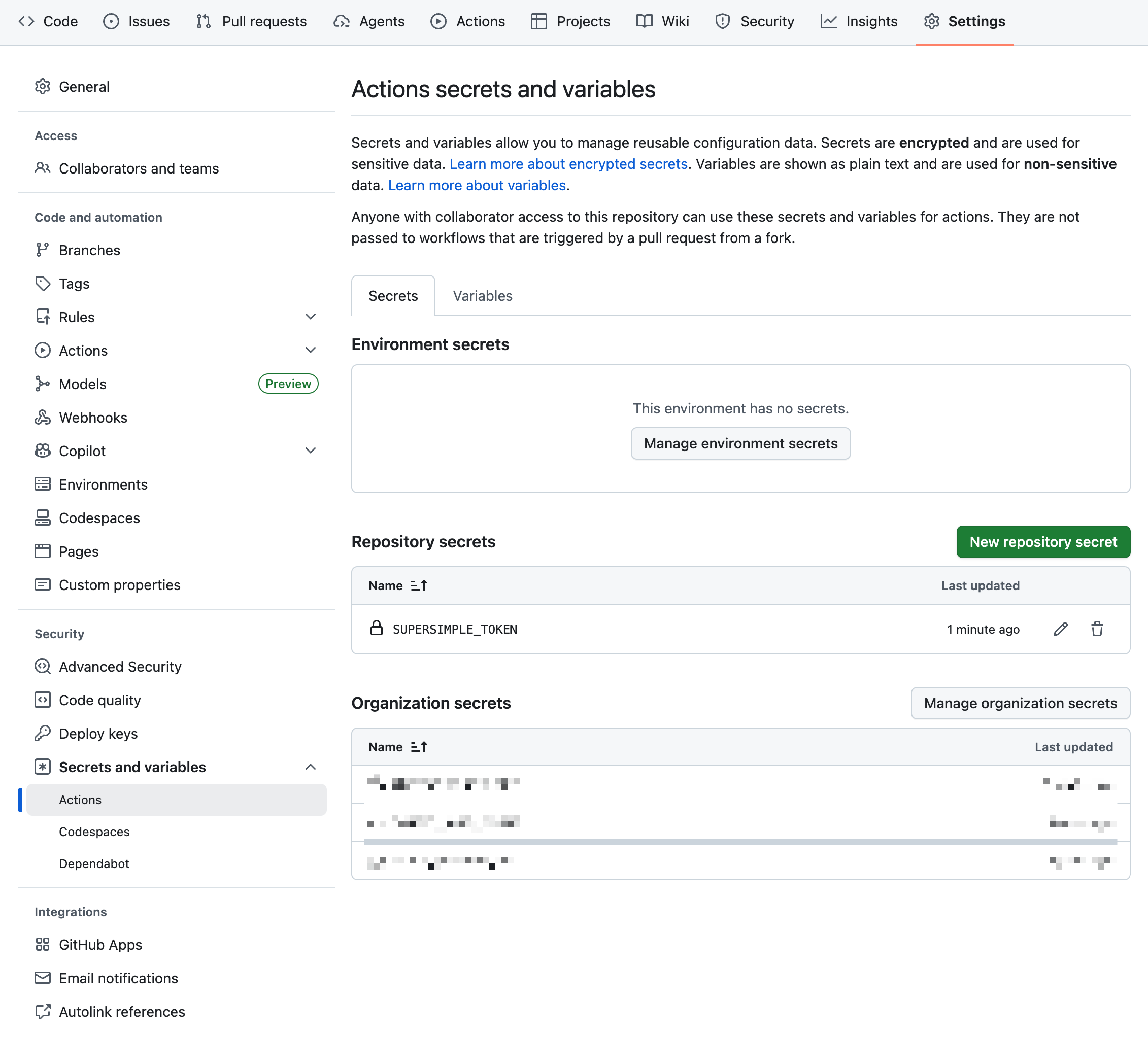
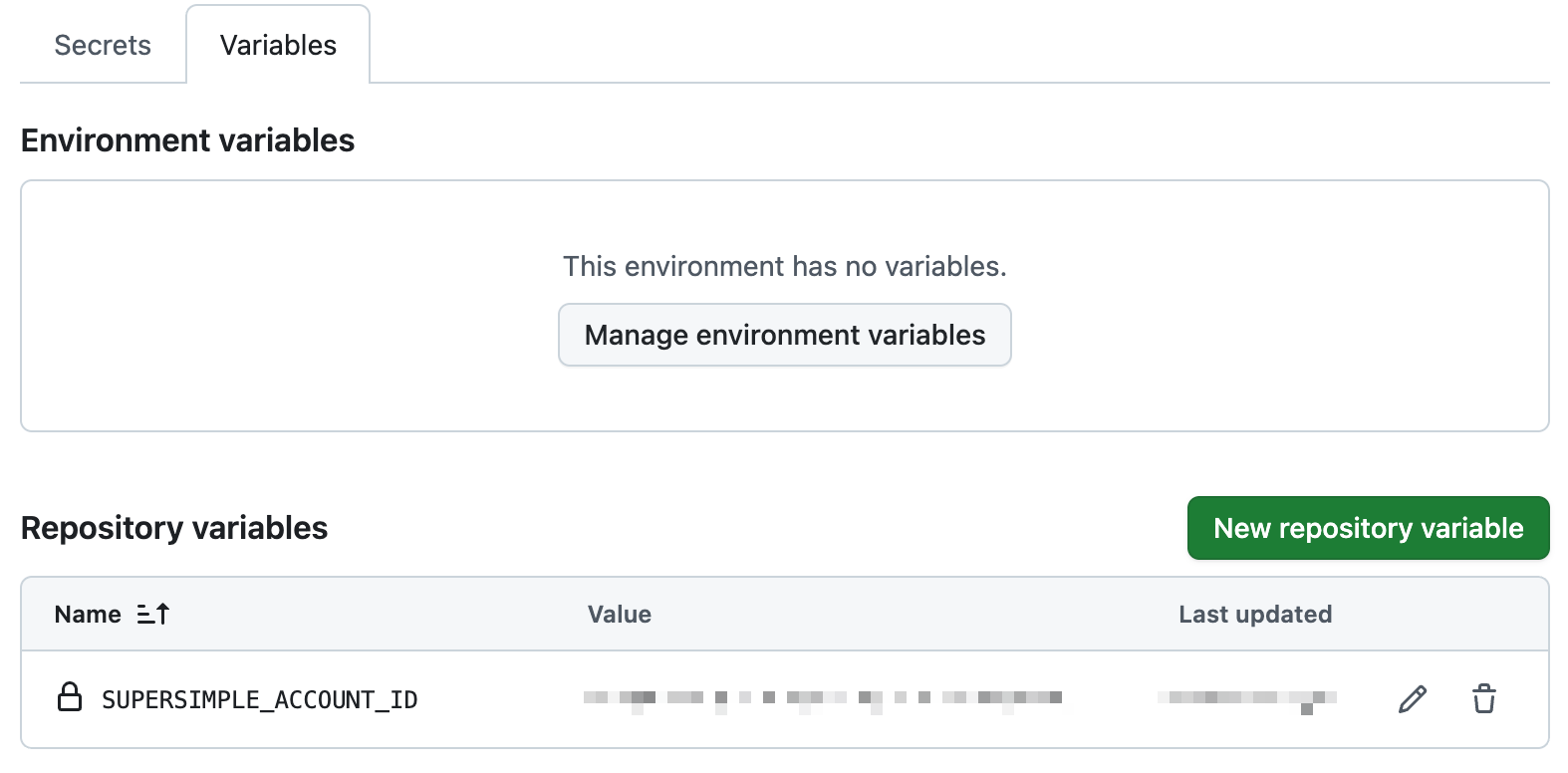
You'll first need to store an environment variable and a secret in your GitHub repository settings (Settings → Secrets and variables).
You can get the values for both from your account settings page.
- Secret
SUPERSIMPLE_TOKEN
- Variable
SUPERSIMPLE_ACCOUNT_ID
GitHub Action file
Then create a file .github/workflows/model-import.yaml in your repo:
yaml
name: Upload Models to Supersimple

on:
  push:
    branches:
      - main

jobs:
  upload:
    name: Upload to Supersimple

    runs-on: ubuntu-latest

    steps:
      - uses: actions/checkout@v4

      - uses: gosupersimple/upload-configuration@v2.20.0
        with:
          account_id: ${{ vars.SUPERSIMPLE_ACCOUNT_ID }}
          token: ${{ secrets.SUPERSIMPLE_TOKEN }}
          config_file: models.yaml
Check the action's releases periodically and update the version to receive CLI fixes and improvements.
Importing multiple YAML files
The action accepts one file or directory through config_file. To import multiple YAML files, keep them in one directory and pass that directory:
yaml
config_file: ./modelsThe Supersimple CLI recursively loads the .yaml and .yml files in that directory. This lets you organize models and metrics into separate files while keeping one GitHub Action step.